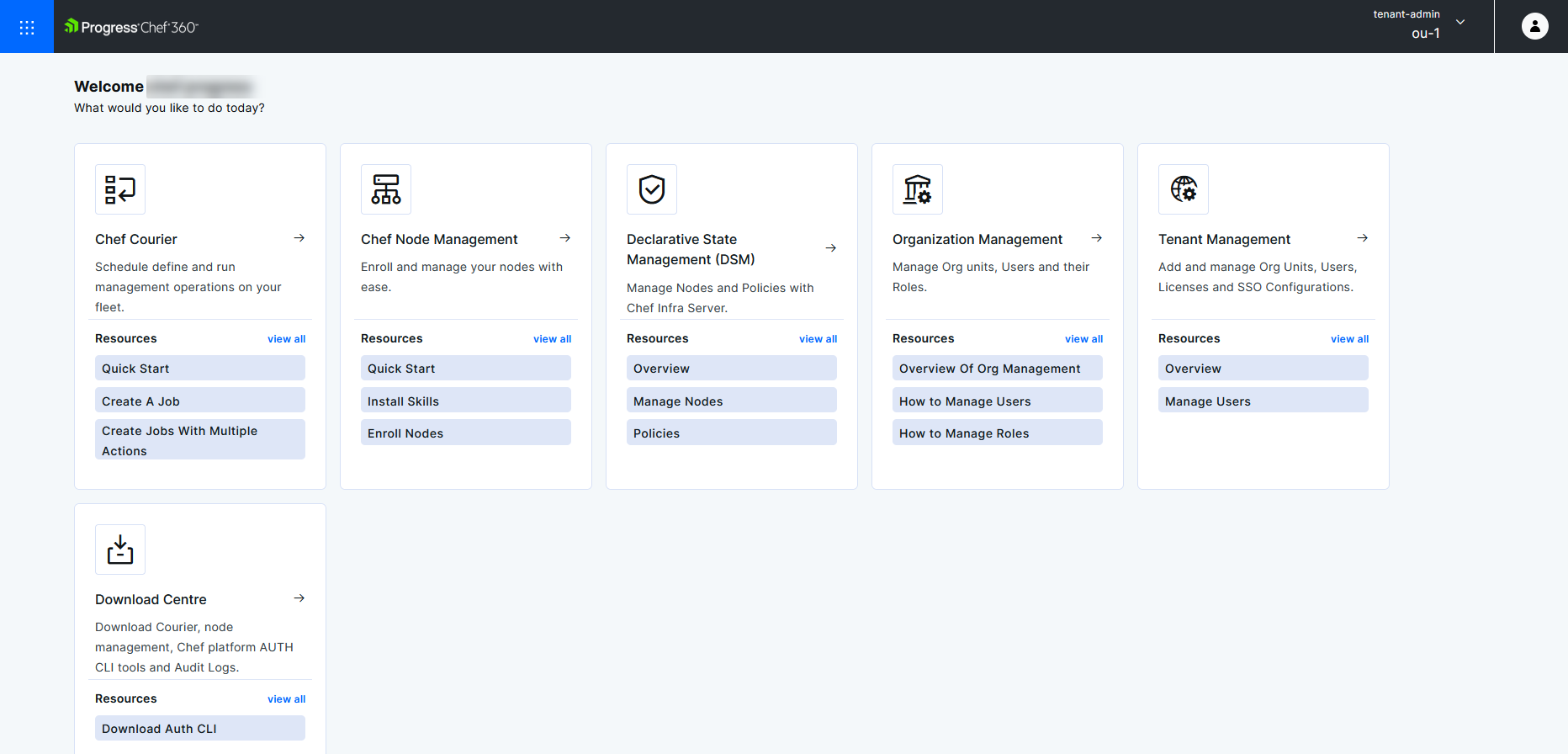
Chef 360 Platform UI login and overview
To sign in to the Chef 360 Platform UI, follow these steps:
Open the URL that matches your deployment.
- If you use SaaS, open the tenant URL provided by your account team or tenant administrator.
- If you use an embedded cluster or Bring Your Own Kubernetes (BYOK), open
https://<CHEF_360_FQDN>:31000/app/hub. Replace<CHEF_360_FQDN>with the fully qualified domain name configured for your deployment.
Sign in with your username and password, or use your organization’s configured single sign-on provider.
Select your organization and role on the welcome page, then select Proceed.
The Chef 360 Platform UI has five main areas of functionality:
- Chef Courier
- Node Management
- Declarative State Management (DSM)
- Organization Management
- Tenant Management
- Download Centre
- Opsmith
The Hub page has tiles for the Courier, Node Management, DSM, Organization Management, Tenant Management, and Download Centre functional areas. You can access each area from the Mega menu in the top-left corner. These are described in further detail in the relevant sections.